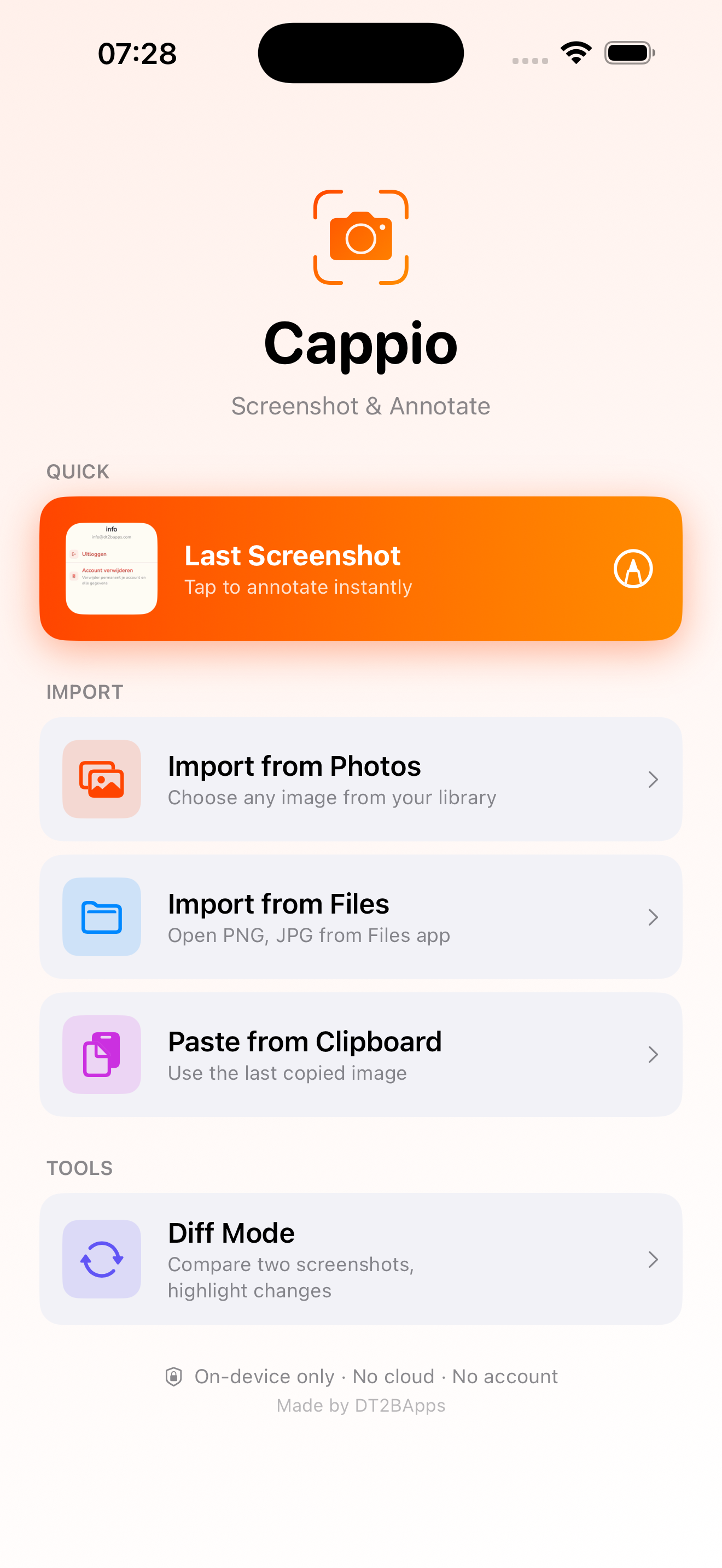
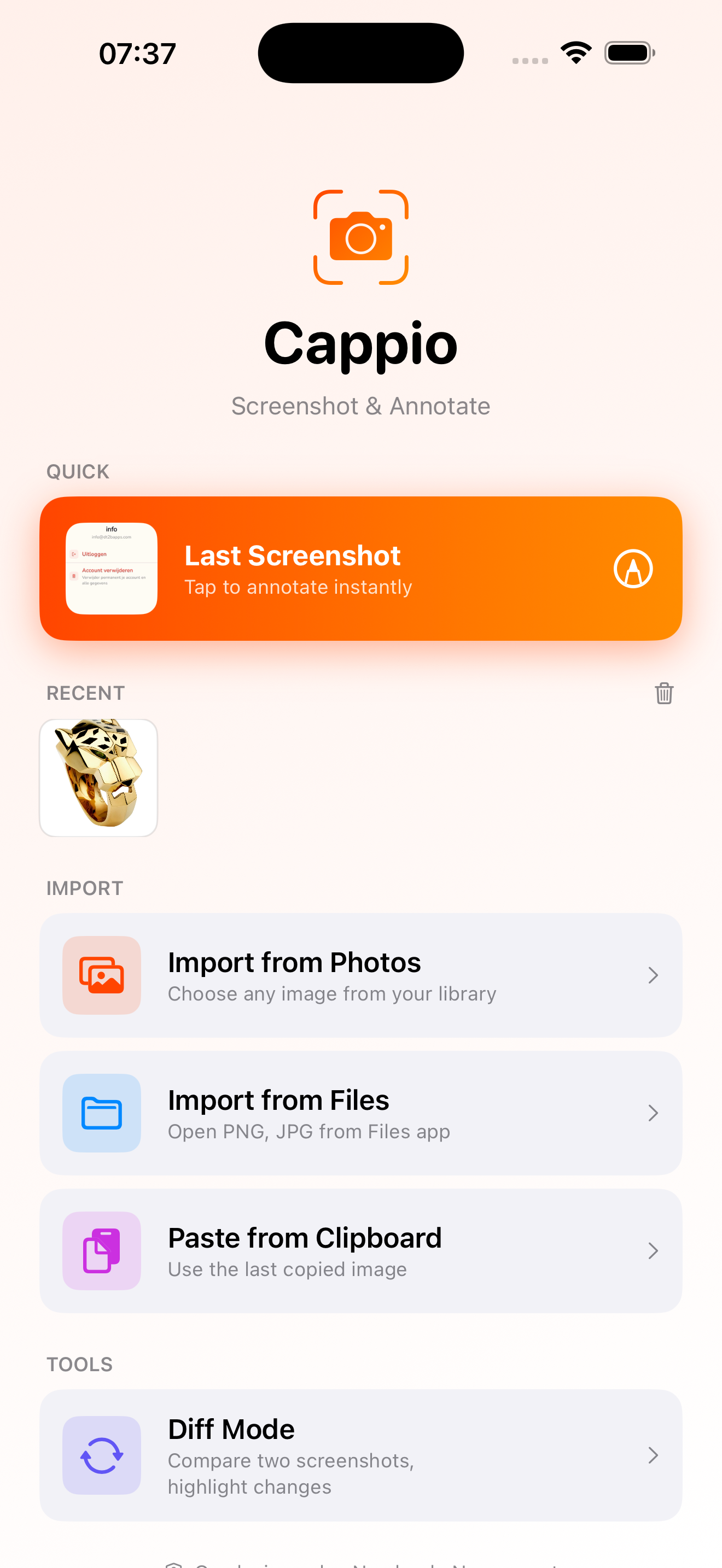
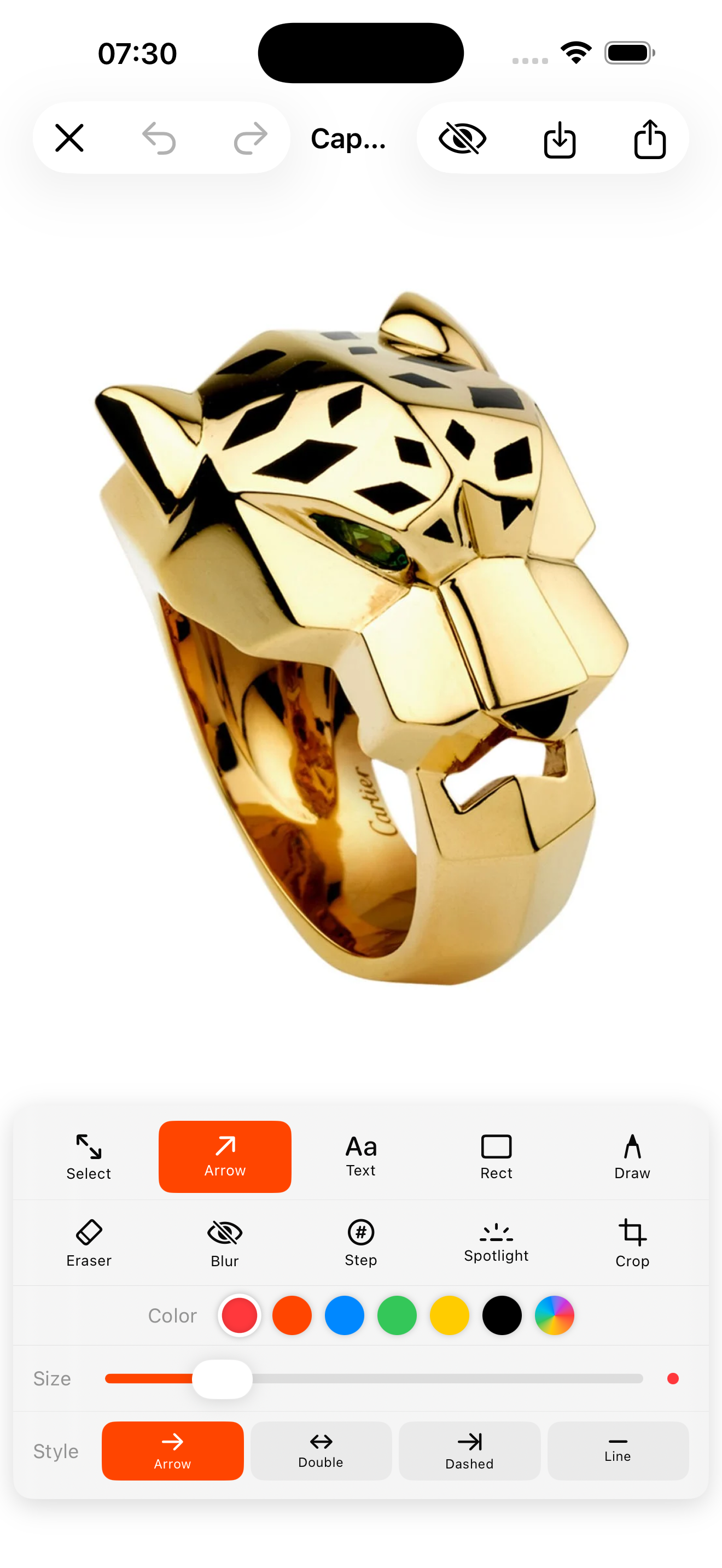
Twaalf professionele tools, direct beschikbaar. Geen tutorial nodig.
Twelve professional tools, immediately available. No tutorial needed.
↗
Pijl
Arrow
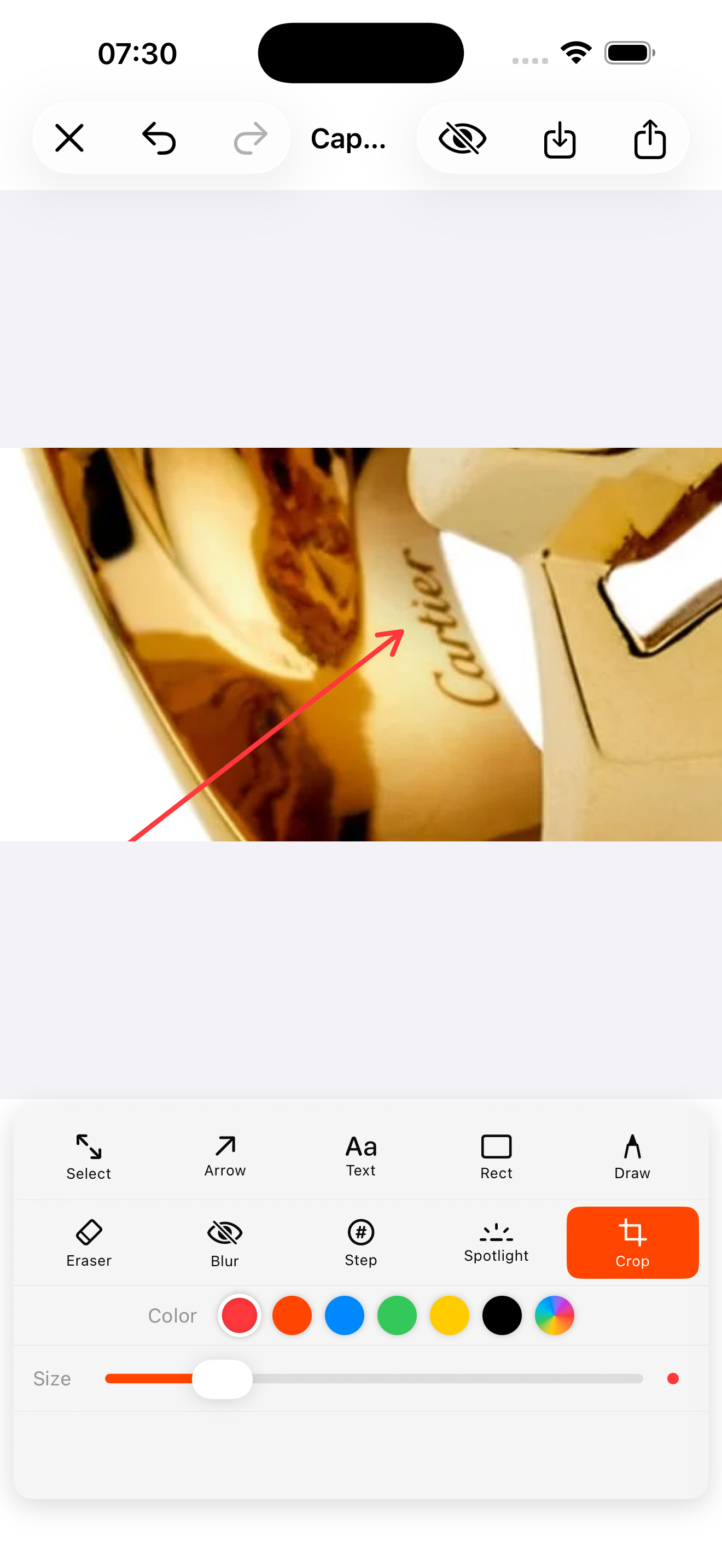
Sleep van start naar eindpunt. Automatische pijlpunt, aanpasbare dikte en kleur.
Drag from start to end. Automatic arrowhead, adjustable thickness and color.
T
Tekst
Text
Tik om tekst te plaatsen op de exacte plek die je wilt. Vet, leesbaar, in elke kleur.
Tap to place text exactly where you want. Bold, readable, in any color.
□
Rechthoek
Rectangle
Omcirkel een element met een rechthoekige markering voor maximale aandacht.
Circle an element with a rectangular highlight for maximum focus.
✏️
Vrij tekenen
Freehand
Teken vrijhand voor snelle notities of onderstreping. Vloeiende, natuurlijke lijnen.
Draw freehand for quick notes or underlines. Smooth, natural lines.
🫥
Blur / Vervagen
Blur / Pixelate
Verberg wachtwoorden, e-mails of gezichten. Live preview met instelbare intensiteit 1–20.
Hide passwords, emails or faces. Live preview with adjustable intensity 1–20.
①
Stapnummers
Step numbers
Tik om genummerde cirkels (1, 2, 3...) te plaatsen. Ideaal voor instructies en handleidingen.
Tap to place numbered circles (1, 2, 3...). Perfect for step-by-step instructions.
✦
Spotlight
Verduister alles buiten het geselecteerde gebied. Trek de aandacht naar precies één element.
Dim everything outside the selected area. Focus attention on exactly one element.
⬜
Bijsnijden
Crop
Snijd de afbeelding bij voor je deelt. Volledig ongedaan te maken — altijd veilig.
Crop the image before sharing. Fully undoable — always safe.
↩
Ongedaan maken
Undo / Redo
50 niveaus van ongedaan maken, inclusief bijsnijden en alle annotaties.
50 levels of undo including crop and all annotations.
↑
Delen & Opslaan
Share & Save
Deel via AirDrop, Mail of Berichten, of sla op in Foto's. Altijd volledige resolutie.
Share via AirDrop, Mail or Messages, or save to Photos. Always full resolution.
👁️
Privacy Scan
Privacy Scan
Detecteert automatisch gezichten, e-mailadressen, telefoonnummers en IBANs en blurt ze. 100% op het apparaat via Apple Vision.
Automatically detects and blurs faces, email addresses, phone numbers and IBANs. 100% on-device using Apple Vision.
🔍
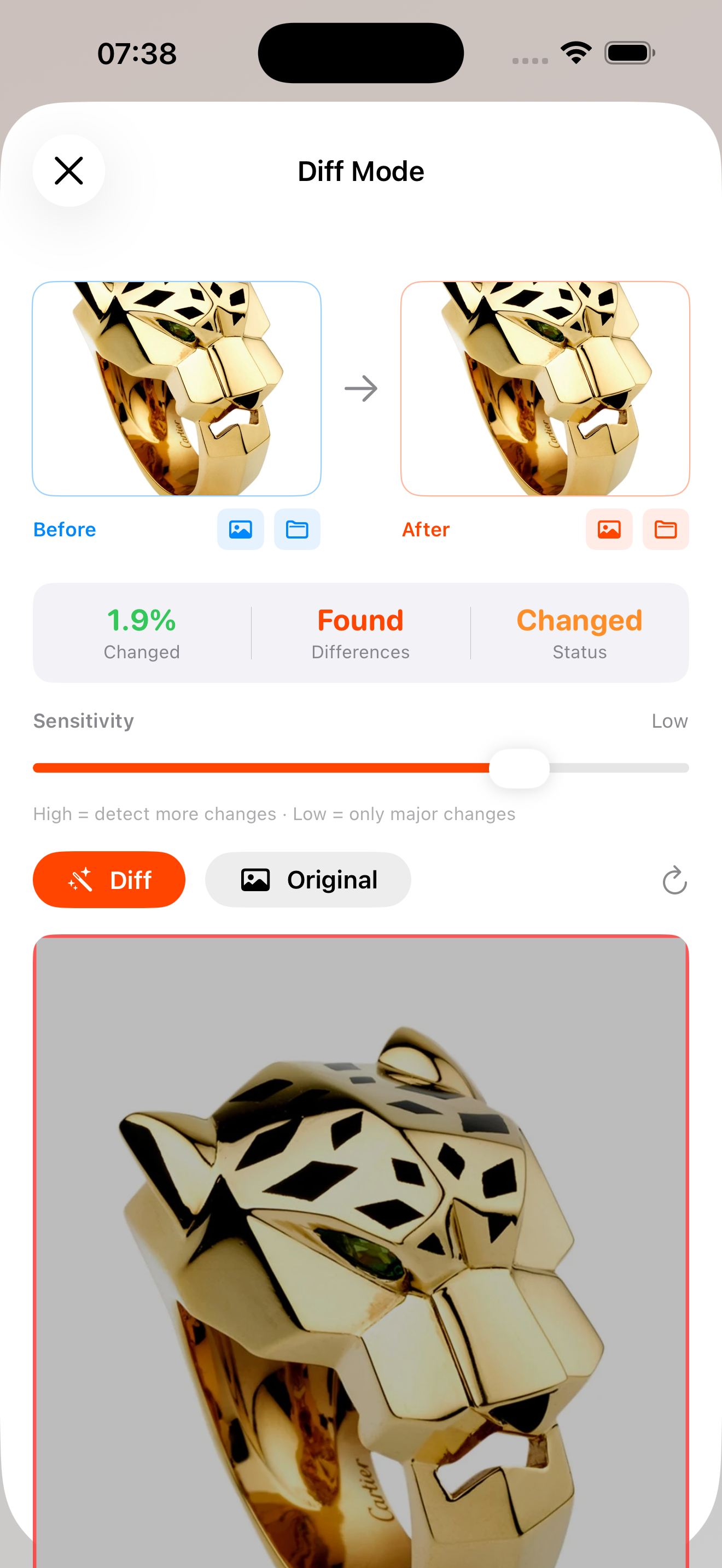
Diff Mode
Diff Mode
Vergelijk twee screenshots naast elkaar en zie direct wat er veranderd is — rood gemarkeerd. Ideaal voor designers en developers.
Compare two screenshots side by side and instantly see what changed — highlighted in red. Perfect for designers and developers.